Delete your account
Learn the account deletion process and what to check first.
Updated: September 2026
If you no longer want to use MonoGPT, you can delete the account through Close account. Account data cannot be restored after deletion, so review anything you need before continuing.
Check before deletion
- Look for conversations and generated files you need to keep.
- Download needed results and store them in a safe place.
- Review the active plan and anything remaining on the account.
- Confirm that the account cannot be restored after deletion.
Delete the account
In account settings, choose Close account and follow the on-screen guidance to confirm the account and deletion request. Before finishing, make sure you did not sign in to a different account.
If an access issue prevents you from completing the process, contact 1:1 support first.
Follow the screen
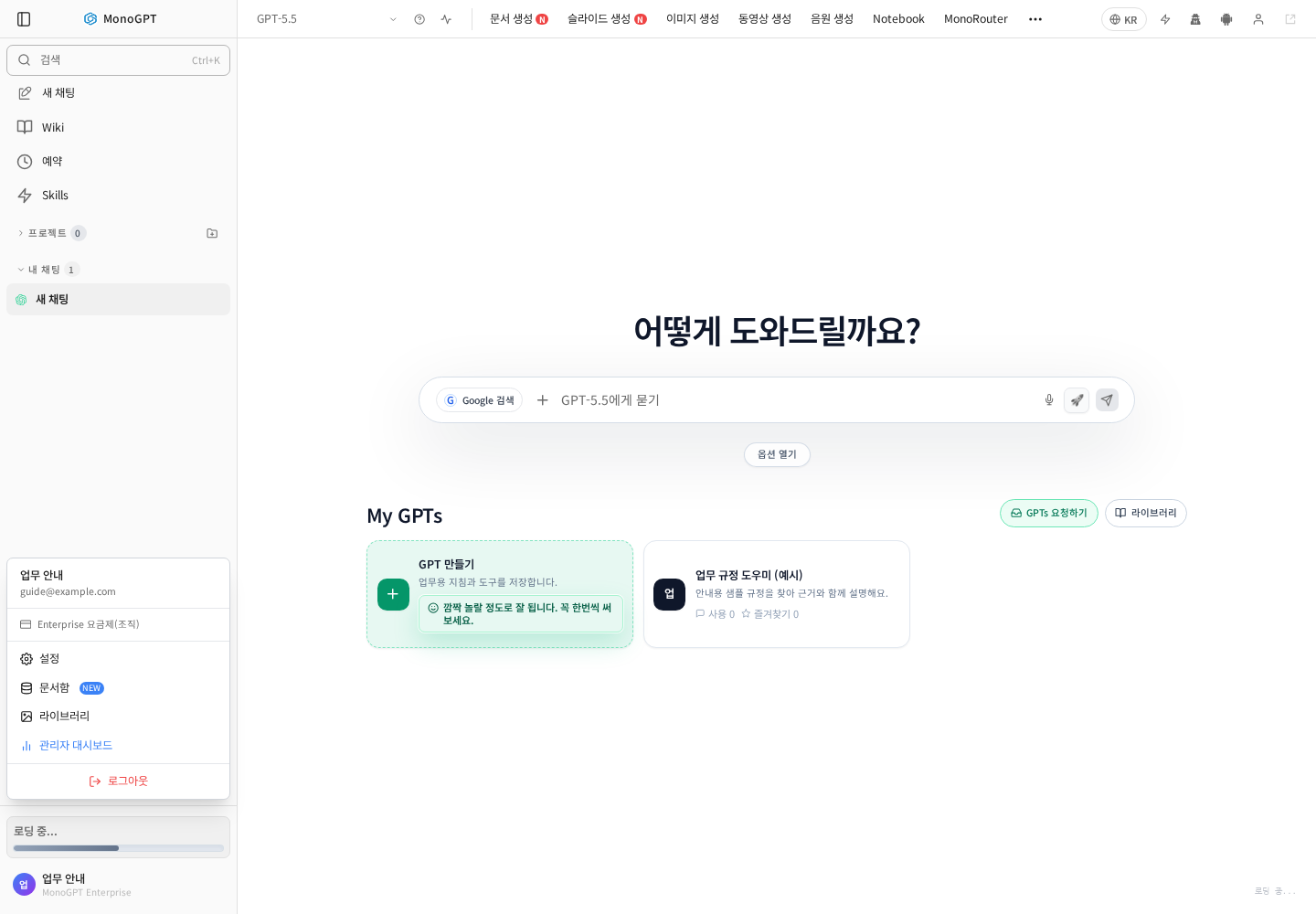
Actual Korean application screen with sample account/data. Available controls depend on permissions and selections.
The screenshot shows the Settings entry, not an executed deletion or confirmation.
Save important results first, check the current email, organization, and remaining access, then read the deletion scope and restrictions in Settings. If self-deletion is restricted for an organization account, ask the administrator about the member process. Signing out, deactivating an organization member, and deleting an account are different actions.
Was this answer helpful?