Password and sign-in issues
Check common causes of email or Google sign-in problems.
Updated: September 2026
If you cannot sign in, first confirm the sign-up method and selected account. Email sign-up and Google sign-in can begin differently, so try again with the method you normally use.
If you forgot the password
- Start the password reset flow on the sign-in screen.
- Enter the account information used during sign-up.
- Follow the on-screen steps to set a new password and sign in again.
If Google sign-in does not work
When several Google accounts are connected to the browser, confirm that the account used for MonoGPT is selected. You can also open a new window or restart the browser, then try the same sign-in method.
If the issue continues, note when it happened and the on-screen message, then share them through 1:1 support.
Follow the screen
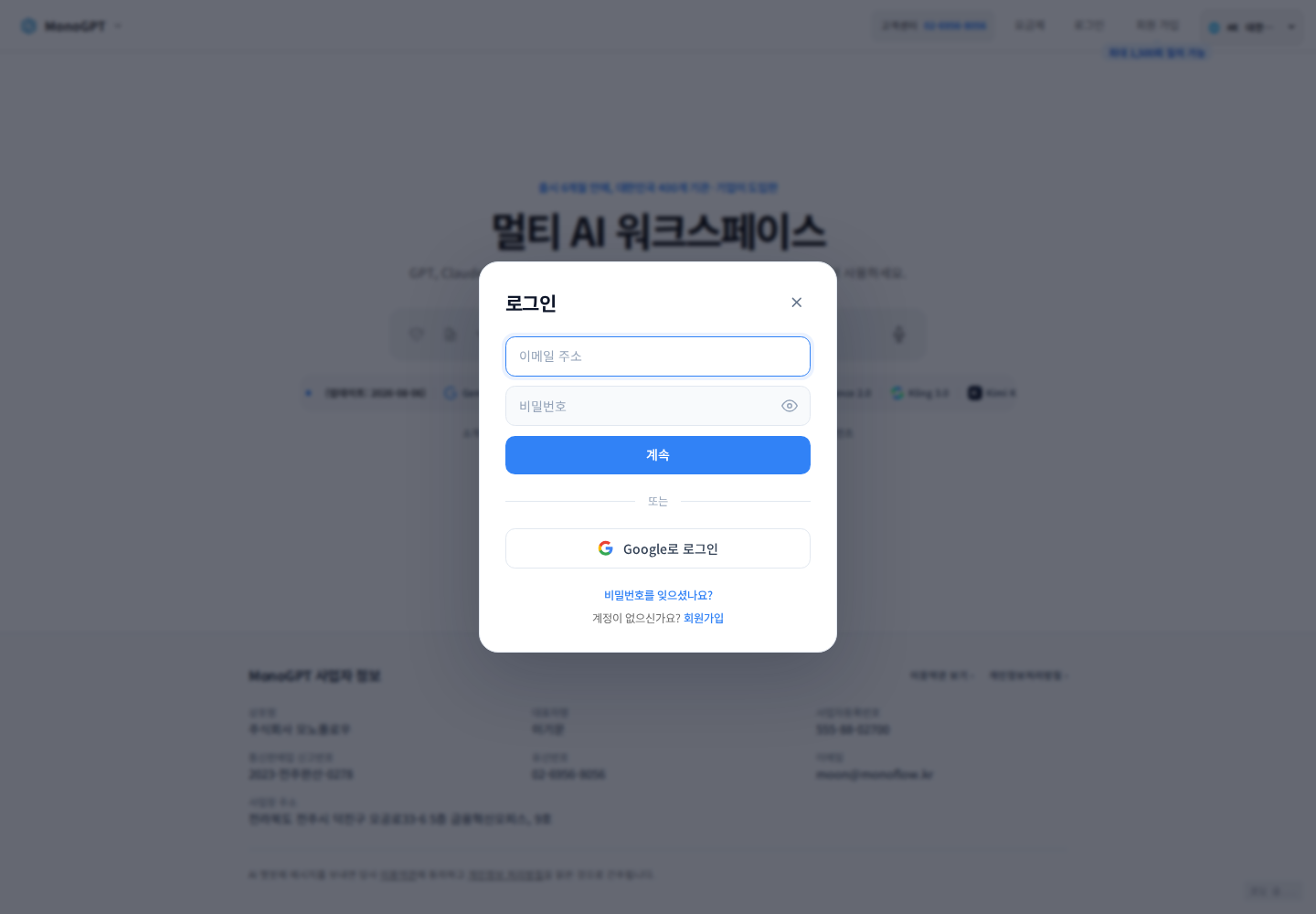
Actual Korean application screen with sample account/data. Available controls depend on permissions and selections.
Open Sign in and use the same email or Google method used at signup. Use password reset for password login, and check the selected Google account for Google login. For a company login or access restriction, confirm the login path and allowed environment with your administrator. Report time, login method, and error without sending credentials or verification codes.
Was this answer helpful?