Summarize a YouTube video
Paste a YouTube link to review a concise summary of the video.
Updated: September 2026
Use a YouTube video link to organize the main ideas and flow of a long video. Request a summary in chat or review the content through the YouTube summary feature.
Summarize a video
- Copy the link for the YouTube video.
- Enter it in chat or YouTube summary.
- Ask for the format you need, such as an overall summary, key claims, or an itemized outline.
Explore one part in more detail
After receiving the summary, ask for a deeper explanation of one topic or a new outline for a presentation. For a long video, mention the segment or subject that matters most.
Caption and audio quality can affect the summary, so confirm any important statement in the original video.
Follow the screen
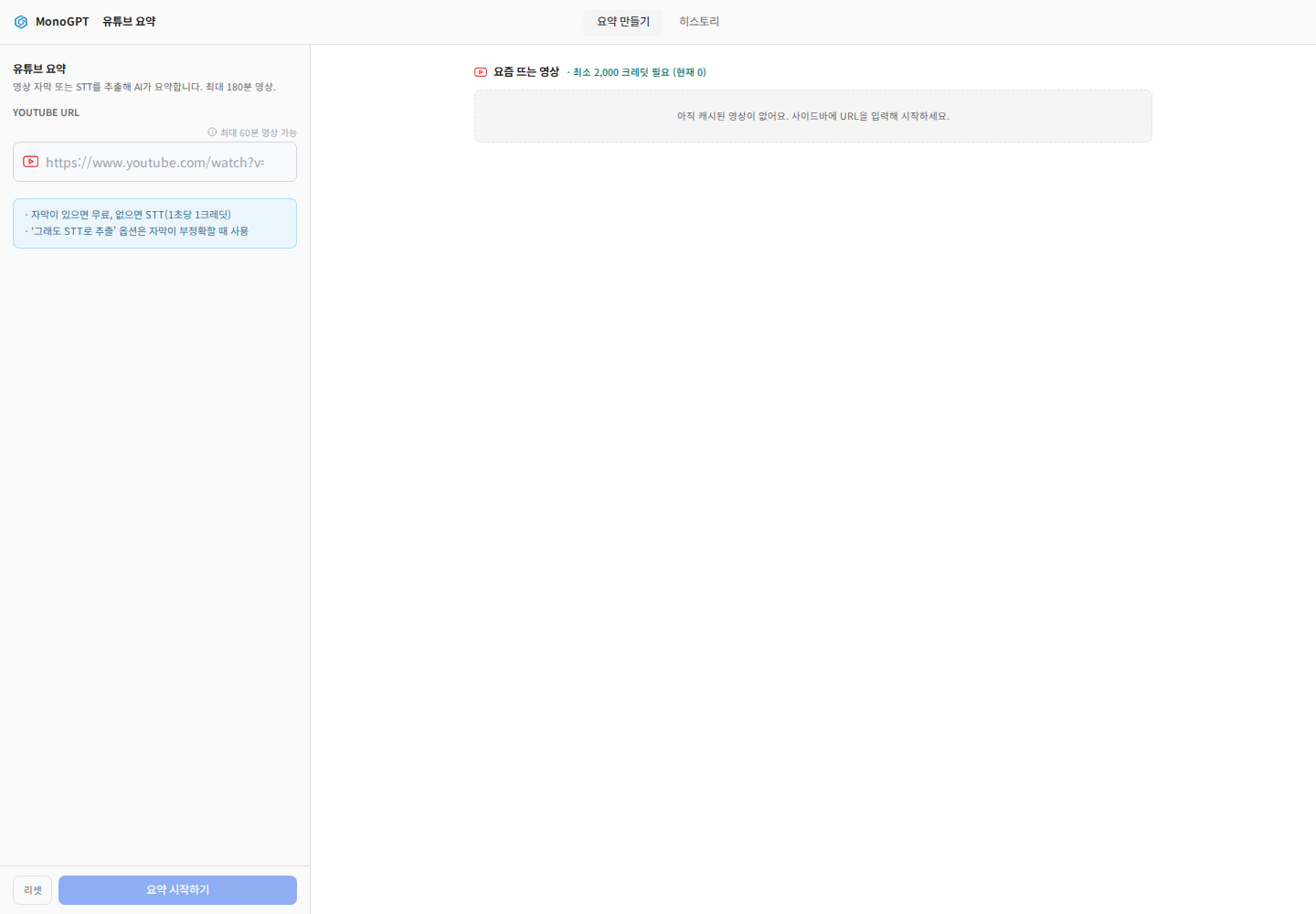
Actual Korean application screen with sample account/data. Available controls depend on permissions and selections.
Open YouTube Summary, paste the URL, and check access and the currently supported duration. Choose summary options and review speech-processing costs if captions are unavailable. Compare important claims with the original video. Use History to revisit work. For training materials, organize key concepts, practical applications, and follow-up learning. Private, removed, or restricted videos may not be supported.
Was this answer helpful?