Summarize long reports and meeting documents
Attach sources, separate decisions from proposals, and verify the summary against the originals.
Updated: September 2026
Attach the material to Gemini 3.8 Flash or GPT-5.6 Terra. Start with an overview, then ask about particular issues to check for omissions.
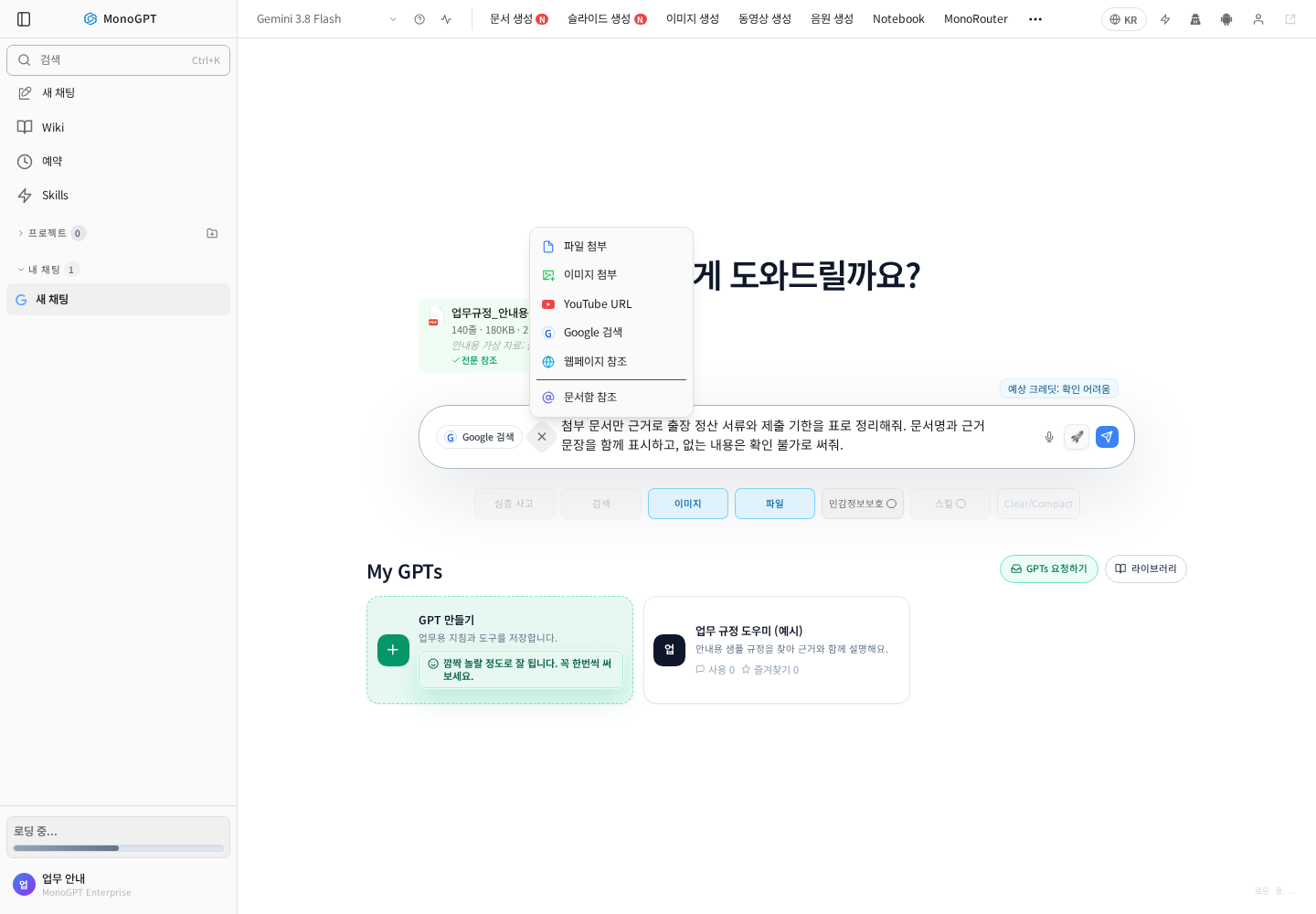
Use the attachment control beside the input. Options depend on the selected model.
Attach and define the scope
- Choose a model in a new chat.
- Select files through the + or attachment menu.
- Check filenames and wait for processing to finish.
- If there are several documents, state which one supports each part of the task.
Report summary example
Summarize this report for an executive: five key lines, a table of important figures, risks, and questions to resolve. For each item give the document name and page or section heading. Do not invent source locations.
Meeting summary example
Organize the meeting notes into discussion, confirmed decision, owner, deadline, and unresolved issue. Separate proposals from decisions. Mark missing owners or dates as undecided.
Check the result
- Compare numbers, units, and dates with the original.
- Open displayed citations, or request the document name and supporting passage.
- Ask for omitted exceptions and opposing views.
- Use the writing guide for a report draft.
If it does not work
For unreadable scans, extract text with AI OCR before attaching again. Split very long documents into chapters or page ranges if coverage is incomplete. Explicitly identify the version and date when filenames are similar.
Was this answer helpful?