Connect Claude Code
Download settings, save them in the right place and check your models.
Updated: October 2026
Install Claude Code and issue a MonoRouter key that allows your intended models. Find Claude Code settings.json beneath the newly issued key.
1. Download from the popup
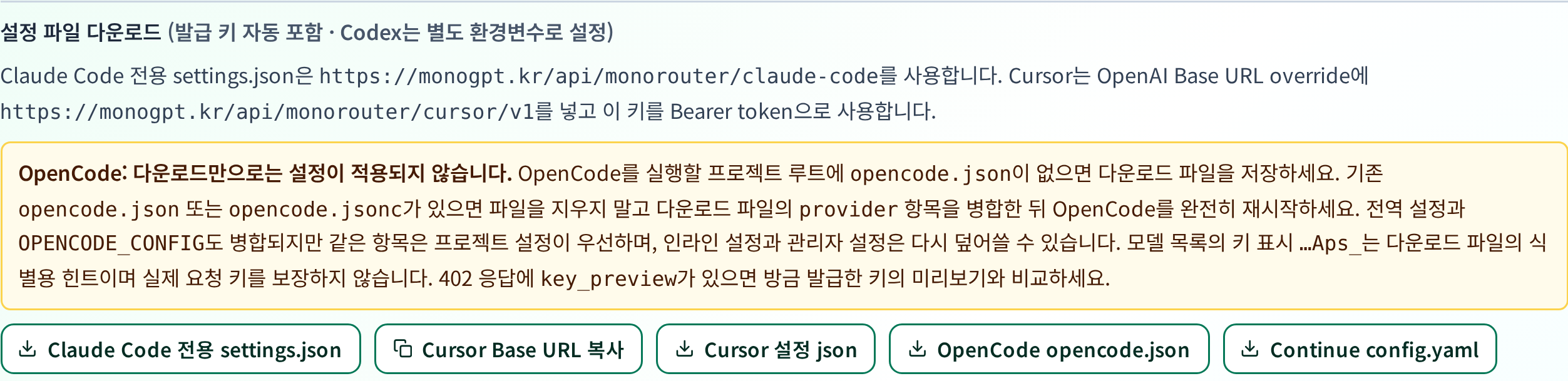
Select the button to open this consent dialog. Read the usage and model compatibility information, check both acknowledgements, then select Agree and download.
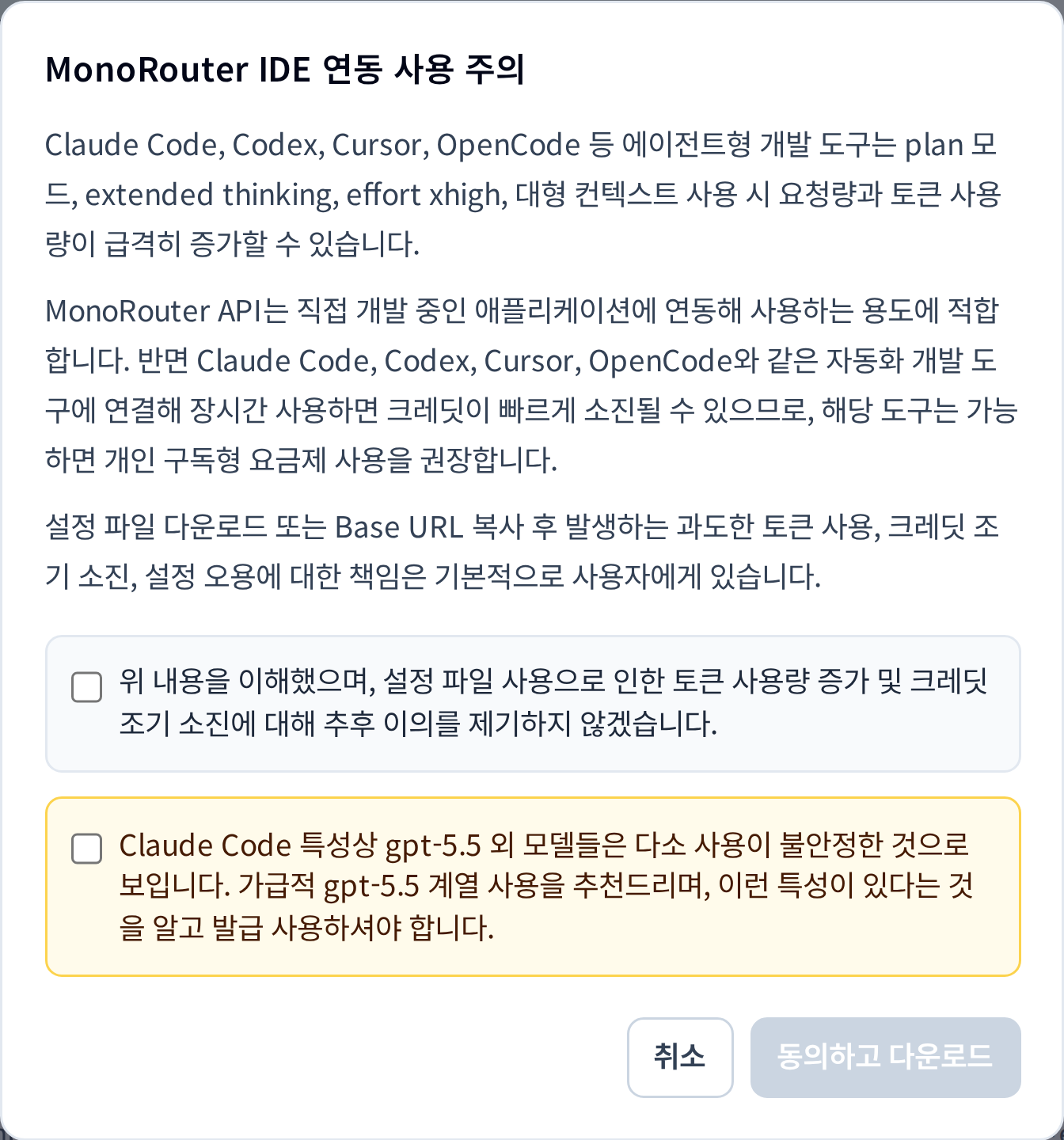
This is the live MonoRouter dialog. It downloads a file without opening a separate settings webpage.
2. Apply the file
The downloaded filename is claude-code-settings.json. Save it as settings.json at the appropriate location, or merge it into your existing configuration.
| Scope | Location |
|---|---|
| Your projects generally | ~/.claude/settings.json |
| Windows user settings | %USERPROFILE%\.claude\settings.json |
| Personal settings for this project | .claude/settings.local.json in the project folder |
Back up existing settings first. Merge the downloaded env and required model settings without duplicating JSON keys. If you create .claude/settings.local.json yourself, add it to .gitignore and check that Git is not already tracking it. Managed or project settings can take precedence.
3. Check the endpoint and models
Review these fields in the downloaded file's env object.
| Field | Expected value |
|---|---|
ANTHROPIC_BASE_URL | https://monogpt.kr/api/monorouter/claude-code |
ANTHROPIC_AUTH_TOKEN | The full key you just issued |
| Model settings | Models permitted by this key |
Do not append /v1 or /messages to the base URL. Aliases such as sonnet and opus may map to different models, so check the actual model IDs. Downloading settings does not expand your key's allowed models.
4. Restart Claude Code
Open Claude Code again in your project and send a short request. Check its time and model in MonoRouter Usage.
If it seems to use an existing account, review overlapping ANTHROPIC_* terminal variables and project settings. Do not share the settings file: it contains your actual key.
Official Claude Code settings documentation · Troubleshooting
Was this answer helpful?