Choose a connector connection method
Compare preparation for OAuth, webhooks, existing MCP servers and Link Gateway.
Updated: September 2026
Screenshots show real Korean application components with fictional connection data. No external authorization, registration or sending was performed. Click images to enlarge them.
Choose a connection route
| Need | Route | Preparation |
|---|---|---|
| Slack, Drive, Notion or Teams | OAuth service connection | Organization app and approved account |
| JANDI topic delivery | Webhook | Incoming topic webhook and sending approval |
| Existing MCP service | Custom MCP server | URL, required authentication and tools |
| Internal systems via Gateway | Link Gateway setup | Installed Gateway and reachable MCP URL |
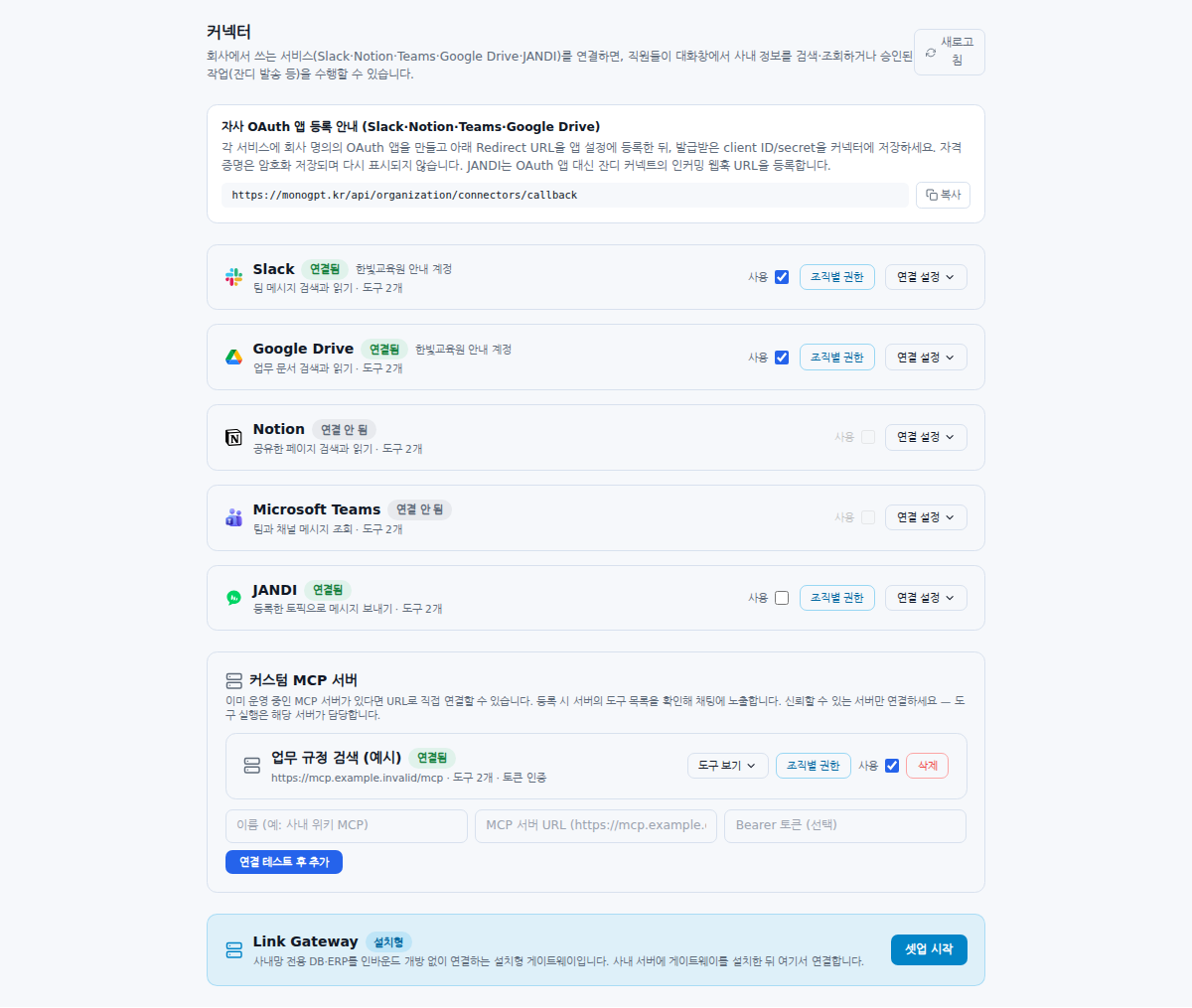
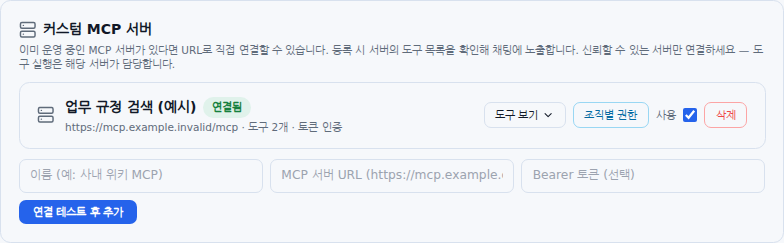
Register an existing MCP server
Registration discovers the server’s tools. Passing a connection test does not by itself validate all data permissions; inspect tools and organizational scope. Follow MCP registration.
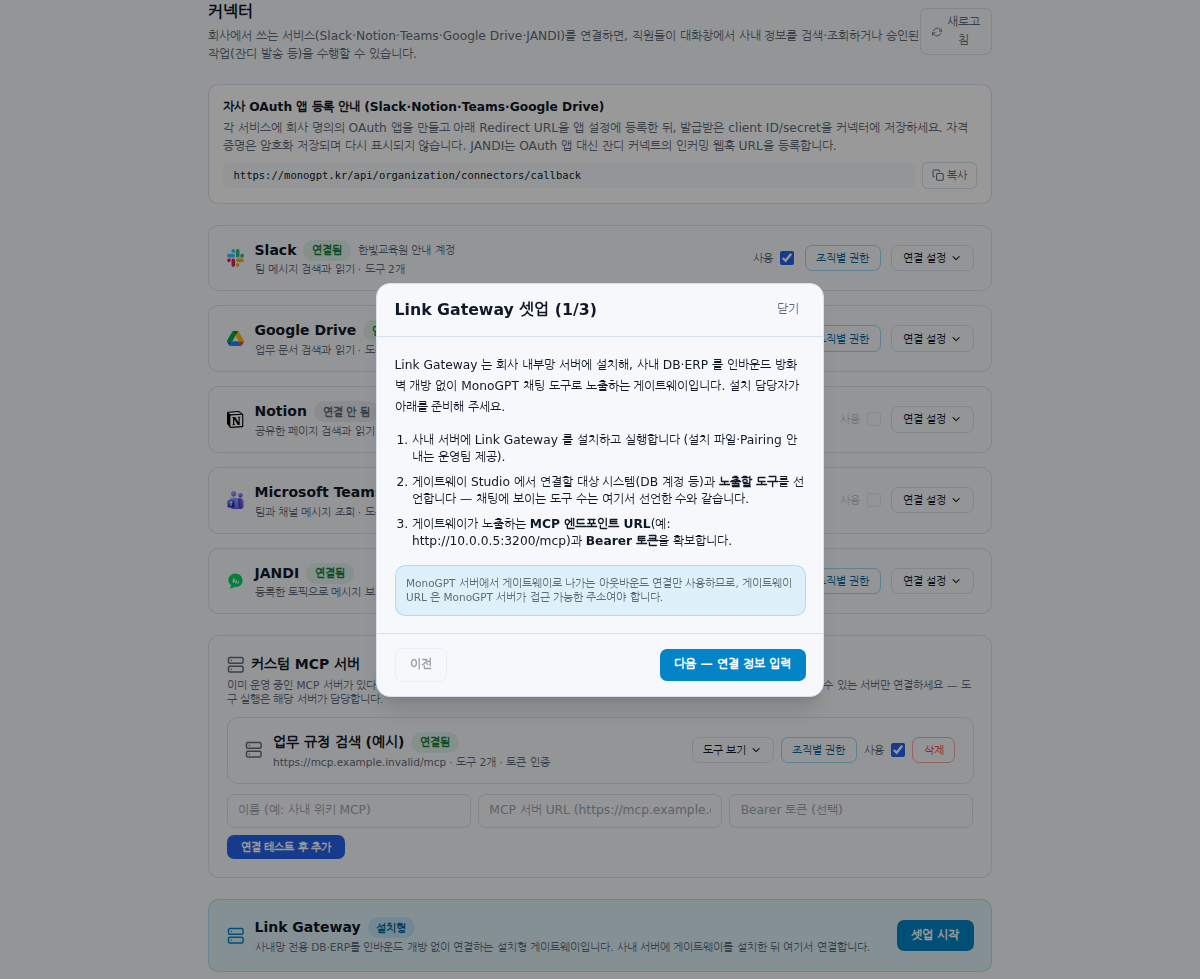
Separate installation from registration
Start setup guides preparation and connection entry; it does not install a Gateway on an internal server. Coordinate reachability, authentication and exposed tools with the operations team, then follow Link Gateway.
Tell members what they can use
Employees need the chat ON control and question workflow rather than server URLs or secrets. Explain accessible material and approved sending actions separately.
JANDI availability: Its card appears only in environments where the server enables the connector. Ask your administrator if it is absent. Connector visibility and permission to send are separate settings.
Was this answer helpful?